Your email test passes on a laptop and fails in CI.
You rerun it. This time it passes.
That pattern often points to timing, but timing is only half the problem. The other half is ownership: multiple tests are sending messages into the same inbox, then racing to decide which message belongs to which run.
A shared inbox is attractive because it is familiar and cheap. Create one account, give the test suite its credentials, and search for the latest matching message. For a small serial workflow, that may be all you need.
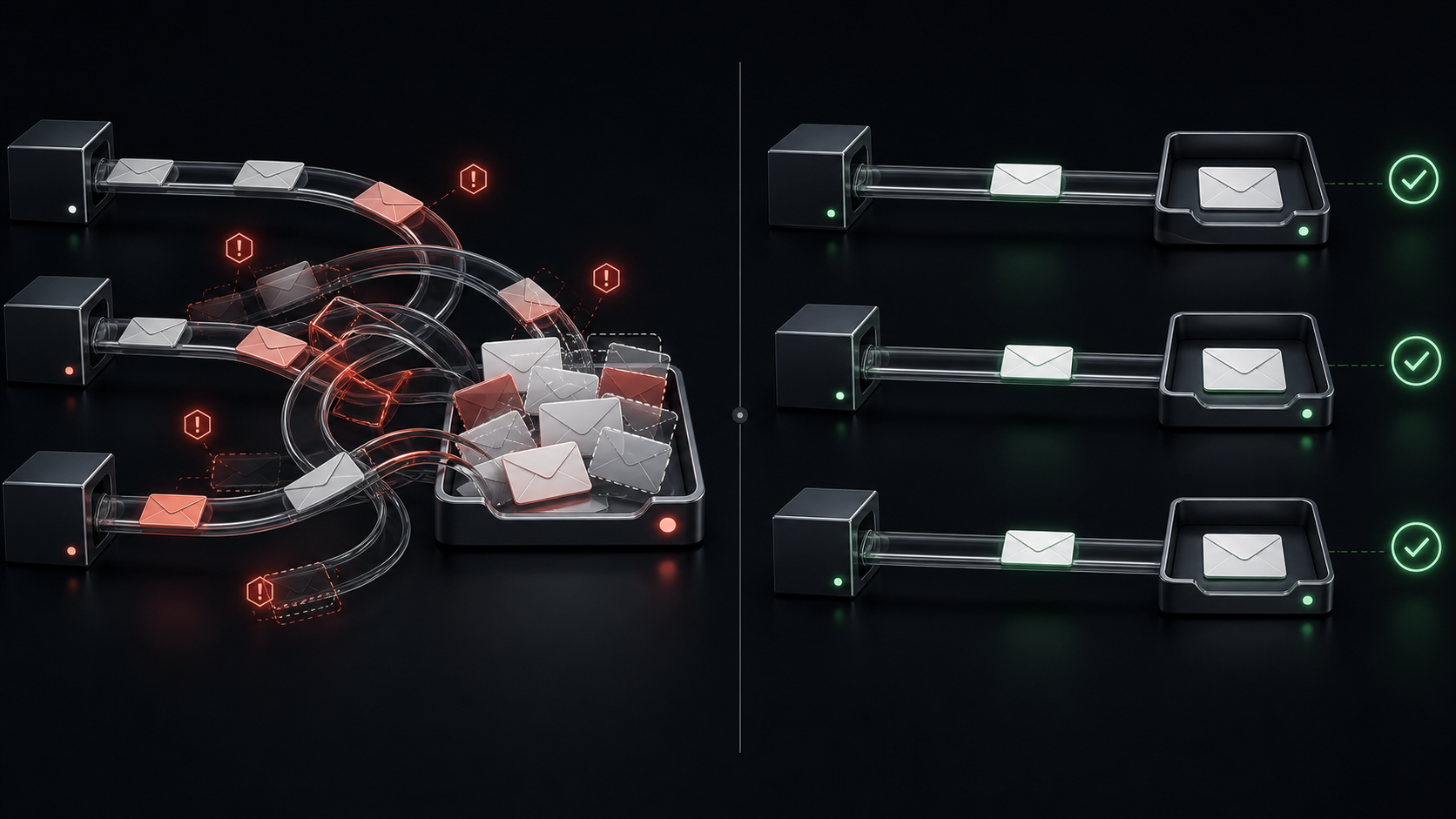
The model starts to break when CI becomes concurrent. Once several jobs share the same mutable mailbox, every message query must reconstruct isolation after delivery using subjects, timestamps, tags, or cleanup rules. One missed edge case can turn a real product regression into a retry—or turn another test's message into a false pass.
This guide compares shared and isolated test inboxes, explains where each works, and gives you a practical threshold for switching.
Shared and isolated inboxes at a glance
The difference is not simply one inbox versus many. It is where the responsibility for isolation lives.
| Concern | Shared inbox | Isolated inbox per run |
|---|---|---|
| Message ownership | Inferred after arrival | Defined before the test sends |
| Parallel execution | Requires careful matching | Separate by construction |
| Stale-message risk | Must be filtered out | New inbox begins empty |
| Retry behavior | Can mix attempts | Can reuse or recreate a run-scoped inbox deliberately |
| Cleanup | Delete selected messages safely | Delete or expire the whole inbox |
| Failure diagnosis | Reconstruct events from a busy mailbox | Inspect one run's bounded evidence |
| Initial setup | Low | Slightly higher |
| Best fit | Local or serial testing | Parallel CI and shared environments |
The shared model asks every read to answer, “Which of these messages is mine?” The isolated model answers that question when the inbox is created.
How a shared inbox works
A typical shared-inbox test follows this loop:
- Generate a variation of one address, often with plus-addressing.
- Trigger the application flow.
- Poll the shared mailbox.
- Search for a matching recipient, subject, timestamp, or token.
- Extract the code or link.
- Delete the message—or leave it for a later cleanup job.
There is nothing inherently wrong with this design. If one developer runs one test at a time, the inbox has low traffic and message ownership is obvious. The operational cost may be close to zero because the account already exists.
The difficulty is that the mailbox is shared state. Concurrency turns each step into a coordination problem.
What breaks when CI runs in parallel
Two jobs can select the same message
Suppose two signup tests start within the same second. Both search for the newest message whose subject contains “Verify your account.” If recipient filtering is missing, inconsistent, or applied after the initial query, both jobs can read the same email.
One job may pass with another user's code. The other may time out. The suite reports one success and one flaky failure even though neither result describes the real journey accurately.
Adding more filters helps, but it also makes the helper responsible for reproducing a tenant boundary inside a mailbox that has none.
Retries can pick up stale messages
CI retries complicate time-based matching. The first attempt may deliver a message just before it fails for an unrelated reason. The second attempt searches the same inbox and finds that earlier message.
“Latest” is not the same as “created for this attempt.” A timestamp threshold narrows the window, but clock differences, delayed delivery, and coarse timestamps can reopen it.
Stale codes are especially deceptive. The test may fail at the final verification step, far from the mailbox query that selected the wrong message.
Cleanup can delete evidence another test still needs
Deleting processed messages sounds responsible until jobs overlap. One test may remove a message while another is about to inspect it. A broad cleanup task can race with the entire suite. A conservative cleanup policy avoids the race but leaves more stale data for future queries.
Shared resources create this tradeoff repeatedly: aggressive cleanup risks active work; cautious cleanup increases ambiguity.
Fixed waits hide ownership problems
When a shared-inbox test flakes, the first response is often to increase a delay. That can reduce failures caused by late delivery, but it does not establish who owns the message.
A 30-second sleep still wakes into the same crowded mailbox. It only makes the race slower.
Failure output becomes ambiguous
“No email found” is not useful when the inbox contains twenty messages from six jobs. Did the application fail to send? Did the query reject the correct message? Did cleanup remove it? Did another runner consume it? Did the retry find the first attempt's email?
The busier the mailbox becomes, the more diagnostic context the helper must record just to explain its own behavior.
How isolated test inboxes change the model
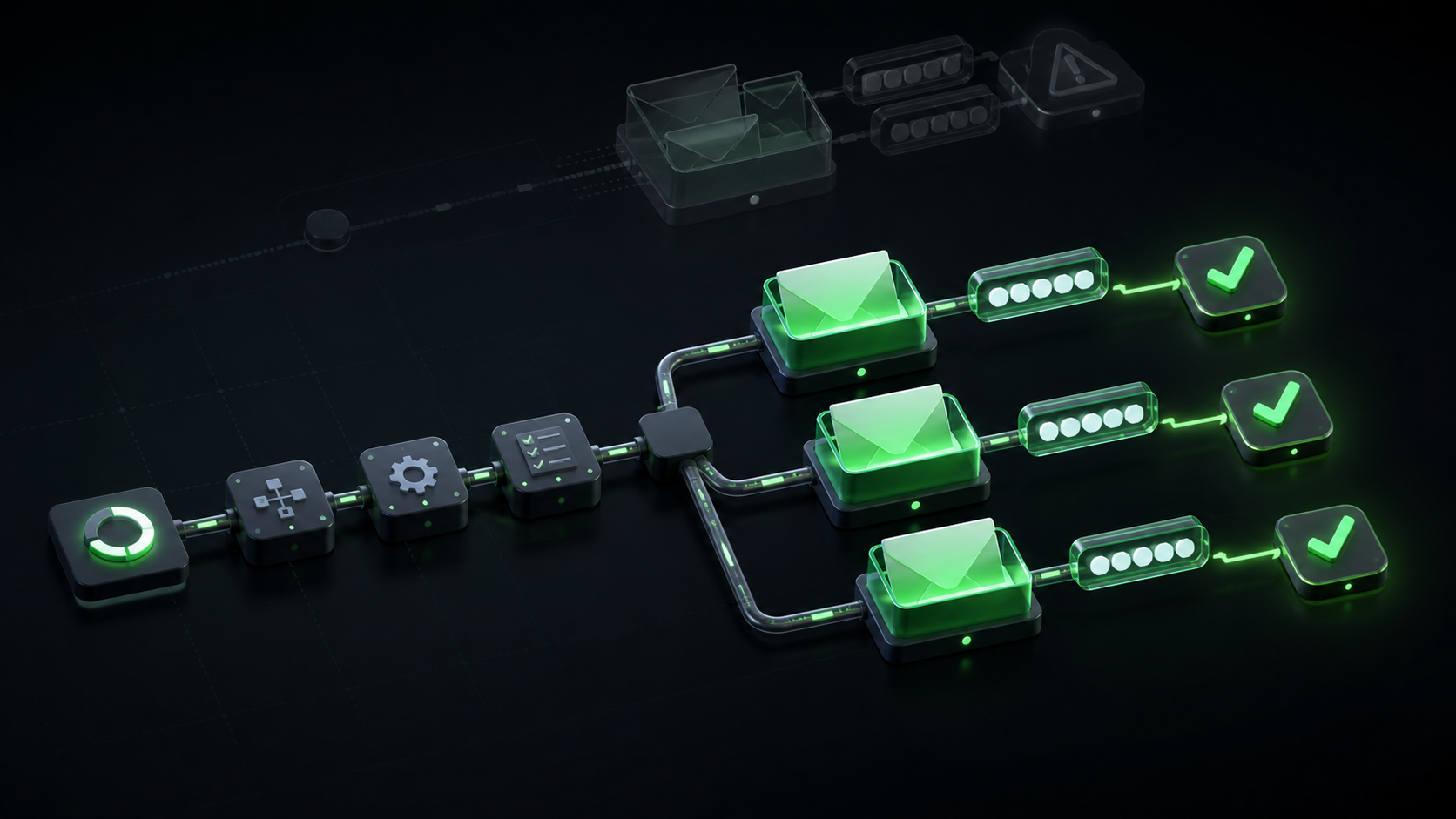
An isolated workflow creates a fresh inbox before triggering the application:
create inbox for this run
        ↓
trigger the real application flow
        ↓
wait for a message in that inbox
        ↓
extract the code or link
        ↓
complete the journey and assert the result
        ↓
delete the inbox (with TTL as a safety net)
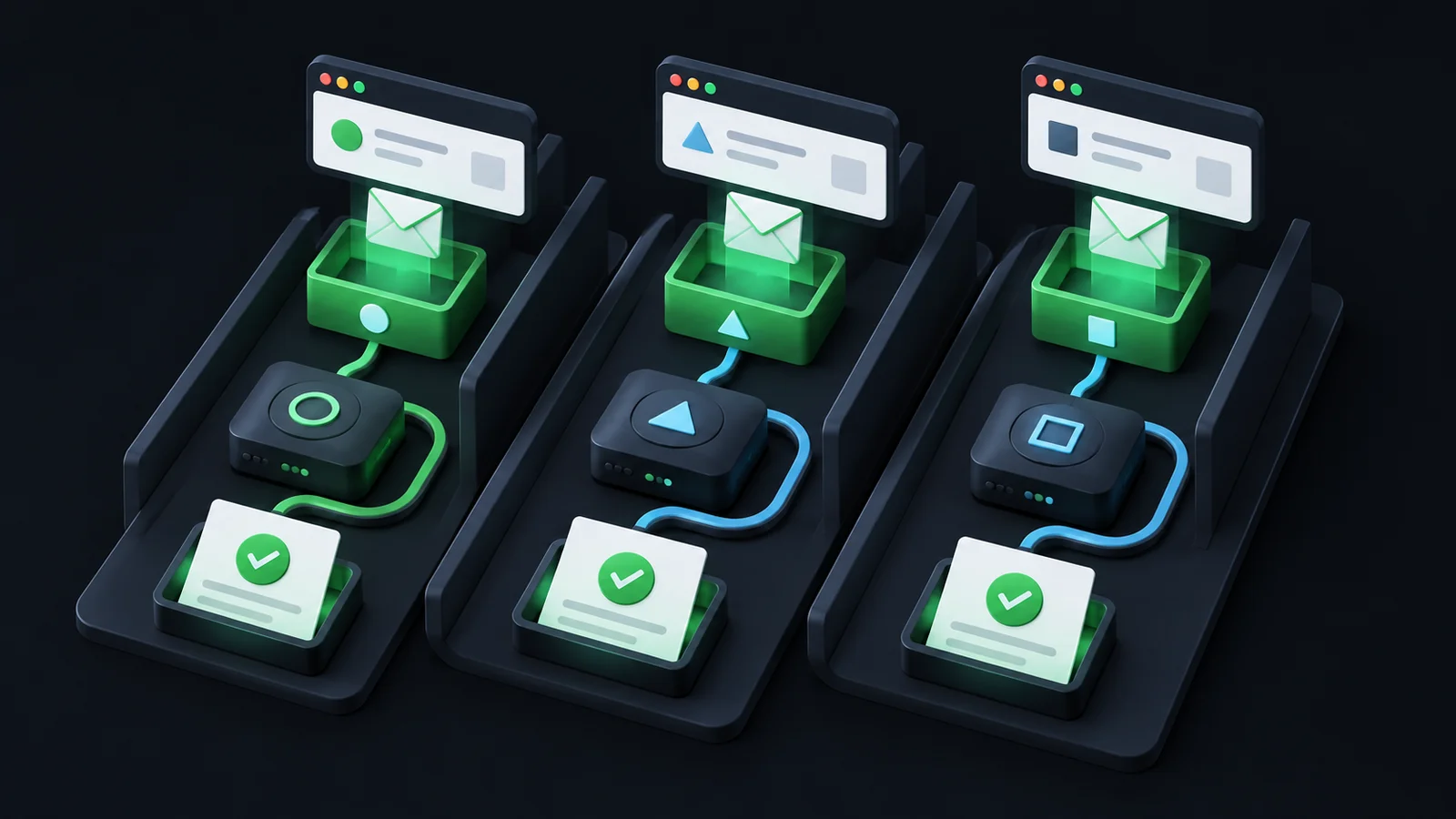
The address itself becomes the correlation key. The test does not search a global message pool and infer ownership later. Anything delivered to that inbox belongs to that run.
That shift produces several practical benefits.
Parallel tests cannot consume one another's messages
Each run reads from a different inbox. A vague subject line or identical template no longer creates a collision because the test never sees messages from other runs.
This is isolation by construction, not isolation by search convention.
An empty inbox gives you a clean baseline
A newly created inbox has no stale history. The first arrival is unambiguous, and later waits can use the last observed message as an explicit baseline.
You still need a bounded timeout, but you do not need to guess whether an older message falls inside the right time window.
Cleanup becomes a lifecycle operation
Instead of deleting individual messages from a shared mailbox, the runner deletes its own inbox when the test completes. A short time to live handles crashed jobs that never reach teardown.
The cleanup boundary matches the test boundary.
Failures retain a smaller, clearer evidence set
When a journey fails, the runner can record one inbox ID, one address, the trigger time, the wait baseline, and any messages that arrived. That evidence is scoped to the run rather than reconstructed from shared traffic.
The result is not merely fewer collisions. It is a better answer to the question, “What actually happened?”
A practical isolated-inbox pattern with MailHulk
MailHulk exposes isolated inboxes through /v1. A CI job can create a short-lived inbox with an idempotency key derived from the run identity:
RUN_KEY="${GITHUB_RUN_ID:-local}-${GITHUB_RUN_ATTEMPT:-1}-signup"

INBOX=$(curl --fail-with-body -sS \
  -X POST "$MAILHULK_URL/v1/inboxes" \
  -H "Authorization: Bearer $MAILHULK_KEY" \
  -H "Idempotency-Key: $RUN_KEY" \
  -H "Content-Type: application/json" \
  -d '{"name":"signup-ci","ttl_seconds":900}')

INBOX_ID=$(echo "$INBOX" | jq -r '.data.id')
TEST_ADDRESS=$(echo "$INBOX" | jq -r '.data.address')
Use TEST_ADDRESS when you trigger the application. Then wait for the first message in that inbox instead of polling a shared mailbox:
MESSAGE=$(curl --fail-with-body -sS \
  "$MAILHULK_URL/v1/inboxes/$INBOX_ID/messages/latest?wait=60&after=00000000000000000000000000" \
  -H "Authorization: Bearer $MAILHULK_KEY")

CODE=$(echo "$MESSAGE" | jq -r '.data.codes[0] // empty')
The zero-ULID baseline is safe here because the inbox is new. If the email arrives between the application request and the wait request, it can still be returned. For later messages, use the most recently observed message ID as the next after value.
The idempotency key also matters. If CI retries the create request, the same key and payload replay the stored result rather than creating a second inbox and splitting the run's evidence.
After the journey completes, delete the inbox. The 15-minute TTL remains a fallback for an interrupted runner.
When a shared inbox is still the right choice
Isolation is not automatically worth changing a workflow that is simple and stable.
Keep the shared inbox when:
- One developer or one job runs the flow at a time.
- The inbox receives little unrelated traffic.
- Every message has a strong, unique correlation value.
- A stale or misidentified message cannot create a false pass.
- Failures are easy to reproduce locally.
- The helper is small, understood, and inexpensive to maintain.
For local development, a self-hosted mail catcher may be an even better fit. It is fast, free, and close to the application. A hosted isolated inbox solves a different boundary: real addresses, shared environments, concurrent CI, and evidence that survives outside one developer's machine.
Do not migrate because “isolated” sounds more advanced. Migrate when shared state is making the suite unreliable or expensive to understand.
Signs that you have outgrown a shared inbox
The switch usually becomes worthwhile when two or more of these are true:
- CI runs the same email journey concurrently.
- The helper needs recipient, subject, timestamp, and body filters to identify one message.
- Retries sometimes select mail from an earlier attempt.
- Tests delete or mark messages while other jobs are active.
- Increasing sleeps reduces failures but does not eliminate them.
- A timeout requires opening the mailbox manually to determine what happened.
- The test suite contains custom MIME parsing and polling code nobody wants to own.
- Engineers routinely ask, “Is this a real bug or just the email test?”
That final question is the clearest signal. A test is supposed to reduce uncertainty. If its architecture creates uncertainty, the resource boundary deserves attention.
A low-risk migration path
You do not need to replace every email test at once.
- Choose one critical journey. Start with signup, password reset, magic-link login, or another flow whose failure blocks a user.
- Create one inbox per run. Derive the idempotency key from the CI run and test identity.
- Replace sleeps with a bounded arrival wait. Set a clear deadline and capture the response status.
- Use the received artifact. Submit the actual code or open the actual link so the test proves the complete journey.
- Keep failure evidence. Record the inbox, address, trigger time, baseline, and safe message metadata.
- Expire and delete. Give every inbox a TTL and remove it during normal teardown.
- Compare results. Run the isolated version beside the existing test long enough to see whether diagnosis becomes faster and retries fall.
If the isolated test offers no meaningful improvement, keep the simpler setup. If it turns ambiguous red builds into explainable failures, expand the pattern to the next critical journey.
Choose the boundary that matches your test suite
A shared inbox is a reasonable starting point. It becomes fragile when parallel jobs must infer message ownership from a common pool.
Isolated test inboxes move that decision earlier. Each run gets its own address, its own wait boundary, its own evidence, and its own cleanup lifecycle. The test becomes easier to reason about because unrelated messages are never part of the query.
MailHulk is being prepared for private beta as email journey testing infrastructure for developers and QA. If your team has a shared-inbox test that passes locally but flakes in parallel CI, bring us that one journey. We will help you isolate it—and learn where the workflow still needs more muscle.